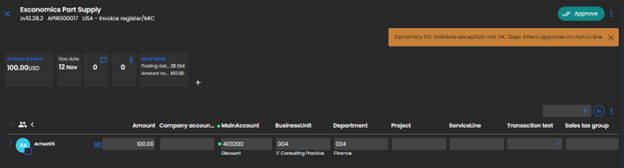
Approvers set based on destination company
when coded with Intercompany
The approvers for an Intercompany line are fetched from the destination company setup. Process works the same for both invoice register and direct posting companies.
Setup
ExFlow Users
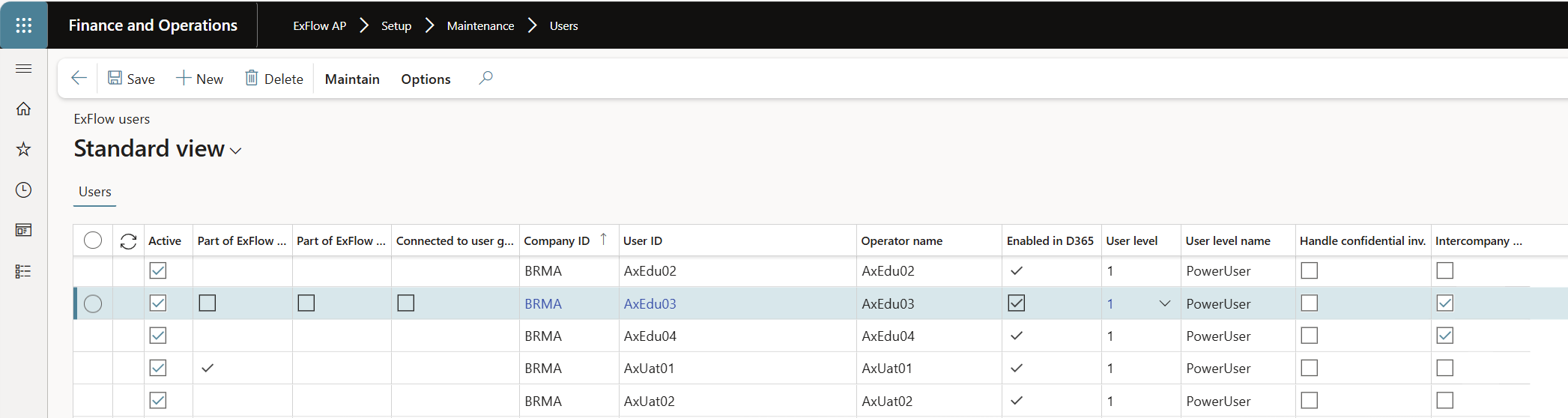
ExFlow AP > Setup > Maintenance > Users
In the User table new column added “Intercompany approver” for already existing users to be set as intercompany approvers.
- Tick the box for Interncompany approver
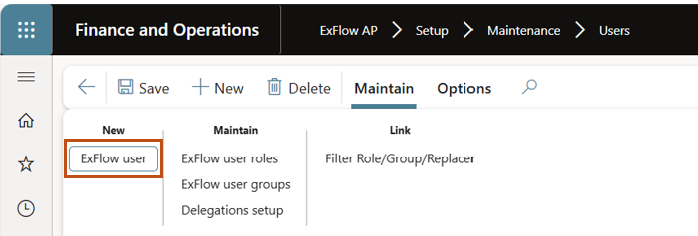
- or use the user guide wizard when creating new user:
- Action main; Maintain > New > ExFlow user
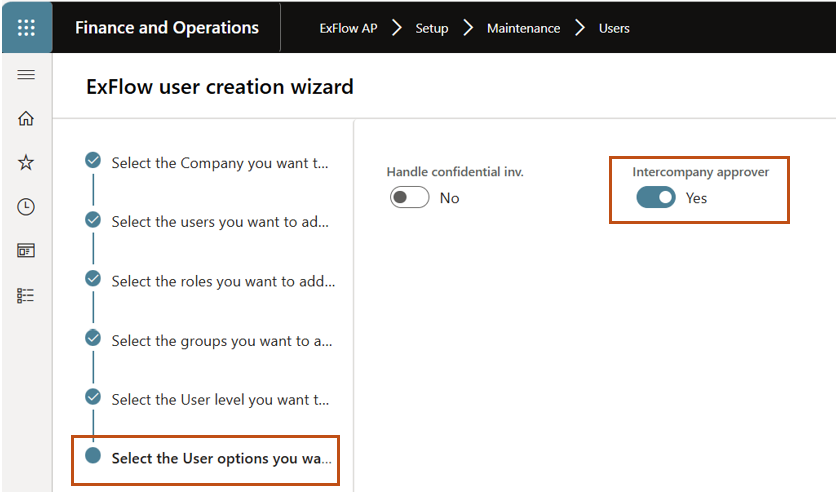
- In the right-hand pane, options for the following values in user form:
- Inter-company approver
- Handle confidential invoices.
The corresponding value in the user form should be set based on the guide. IC approvers will only be allowed to add to IC lines.
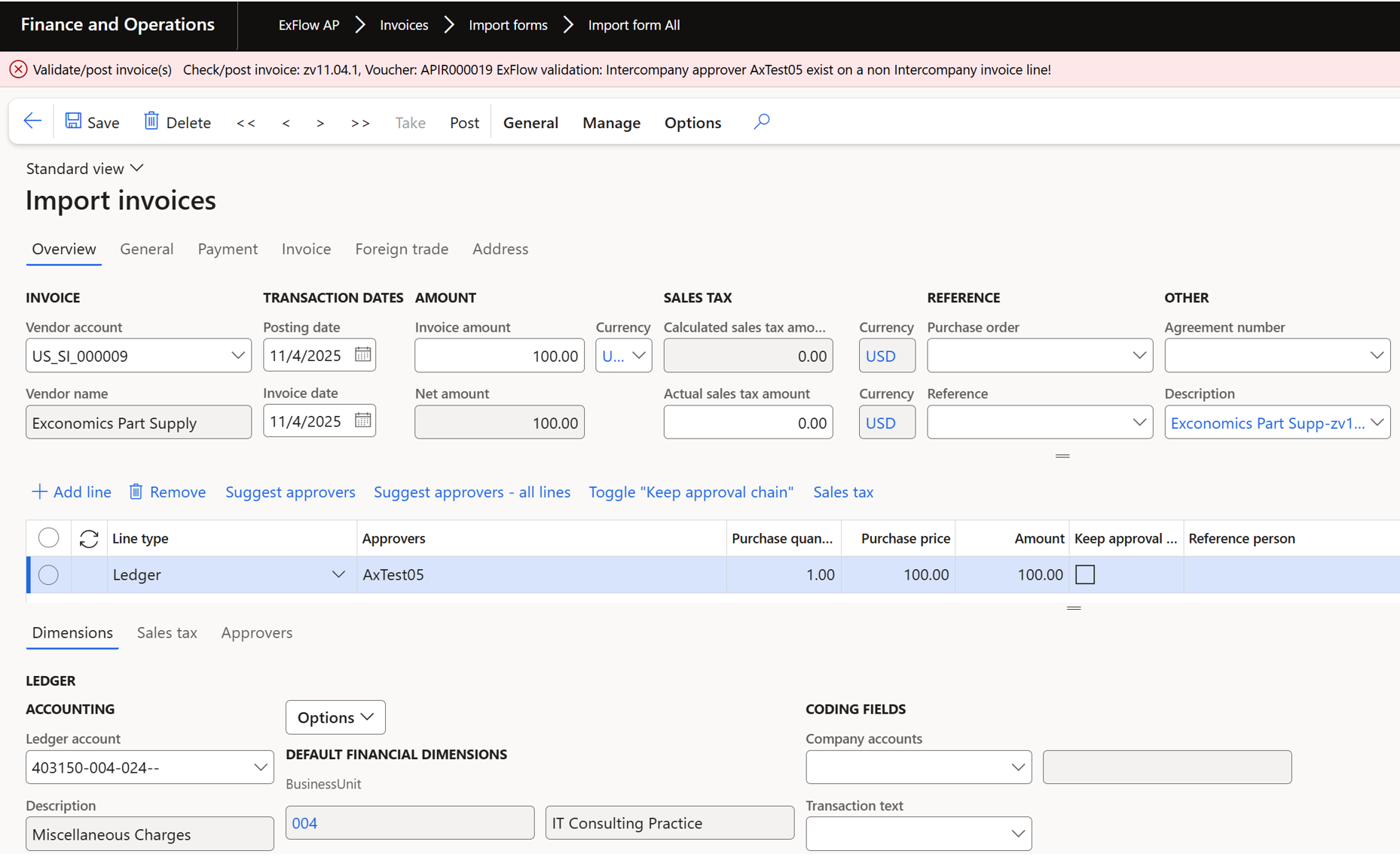
Validation error
When IC approver is added to non-IC line validation error will be thrown.
Workflows
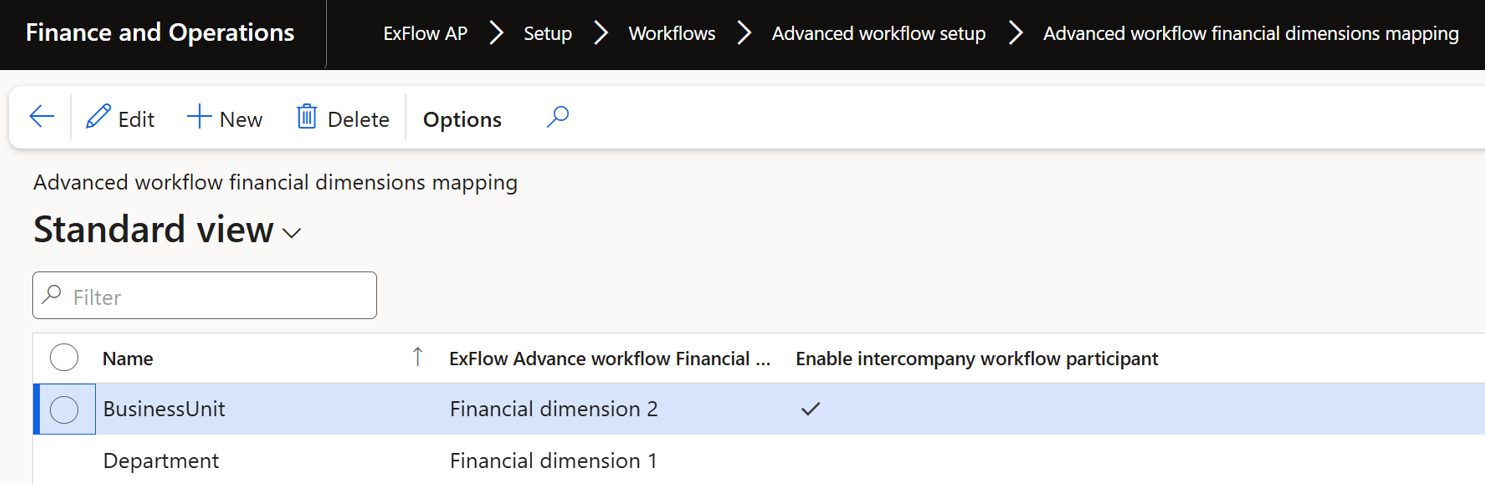
ExFlow ExFlow AP > Setup > Workflows > Advanced workflow setup > Advanced workflow financial dimensions mapping form.
- New column added “Enable intercompany workflow participant”.
ExFlow Advanced Approval Workflow
ExFlow participants for dimensions that are setup as “Inter-Company enabled”, in advanced ExFlow approval WF.
Providers called:
- Intercompany financial dimension owner
- Intercompany project controller
- Intercompany project manager
- Intercompany project sales manager
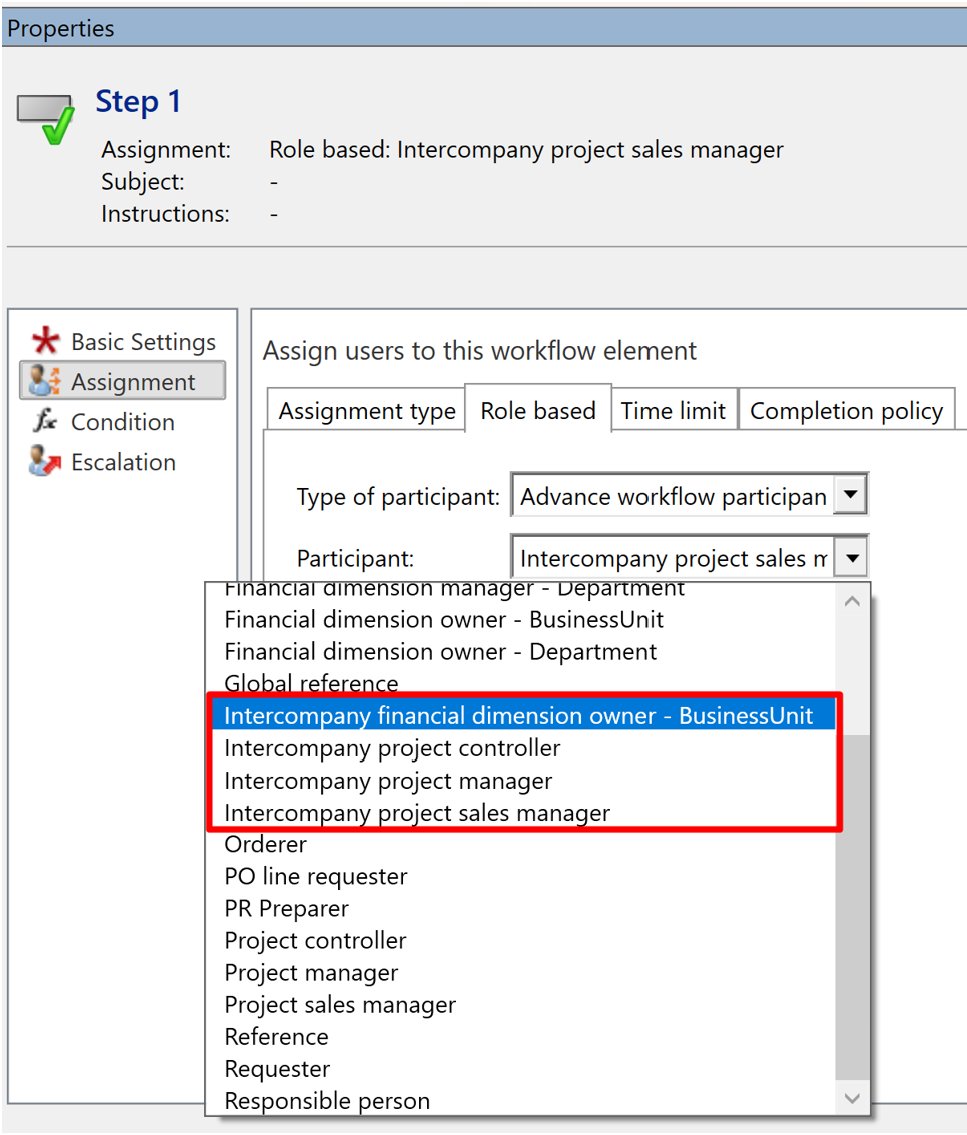
These participants will look into the entity defined in the company account field and return the corresponding worker from the target entity.
If the provider runs against a non-IC line, it should return blank since no IC data exists.
Example process
-
Workflow set with following condition.
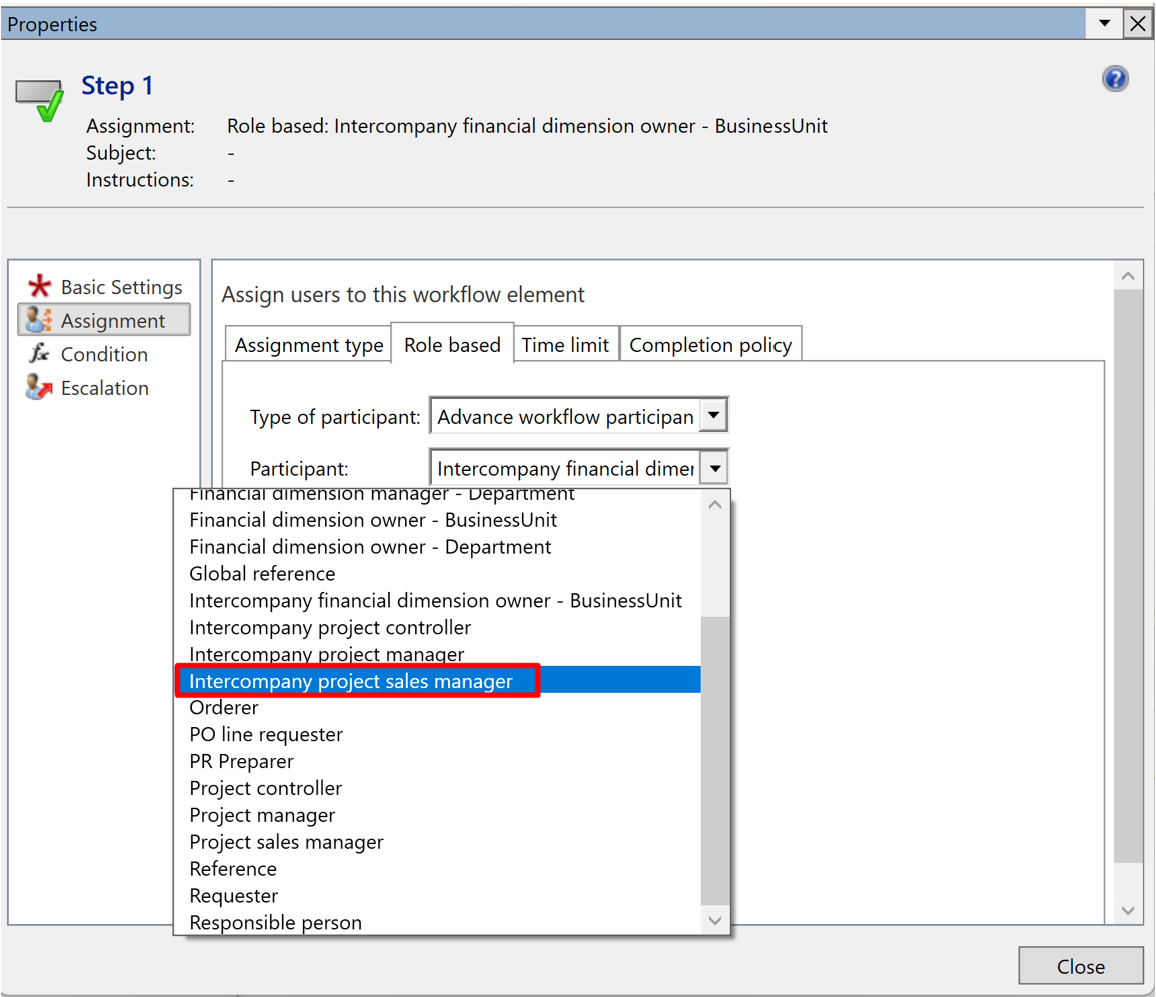
-
Invoice has IC line and Sales manager added to selected project.
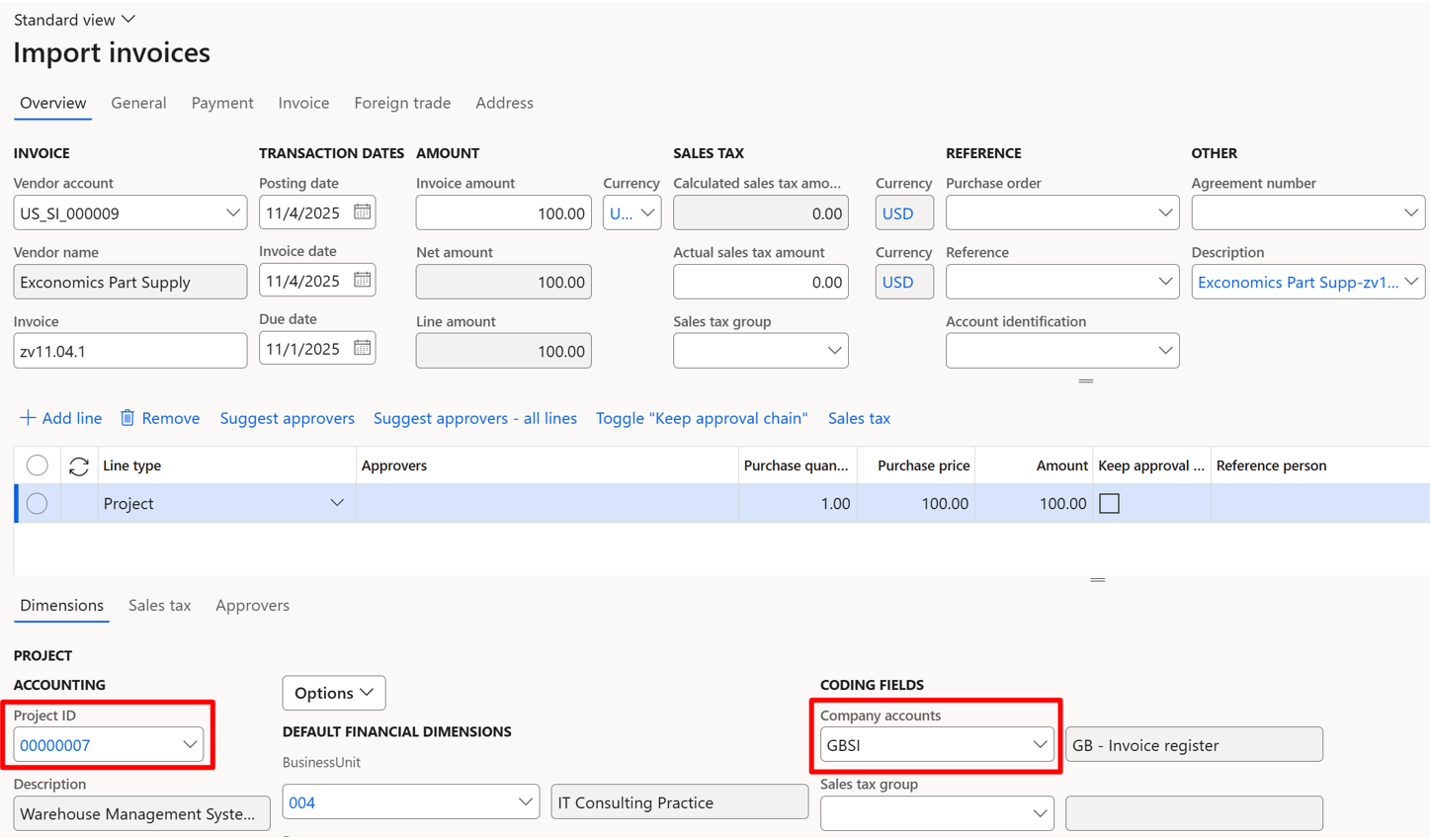
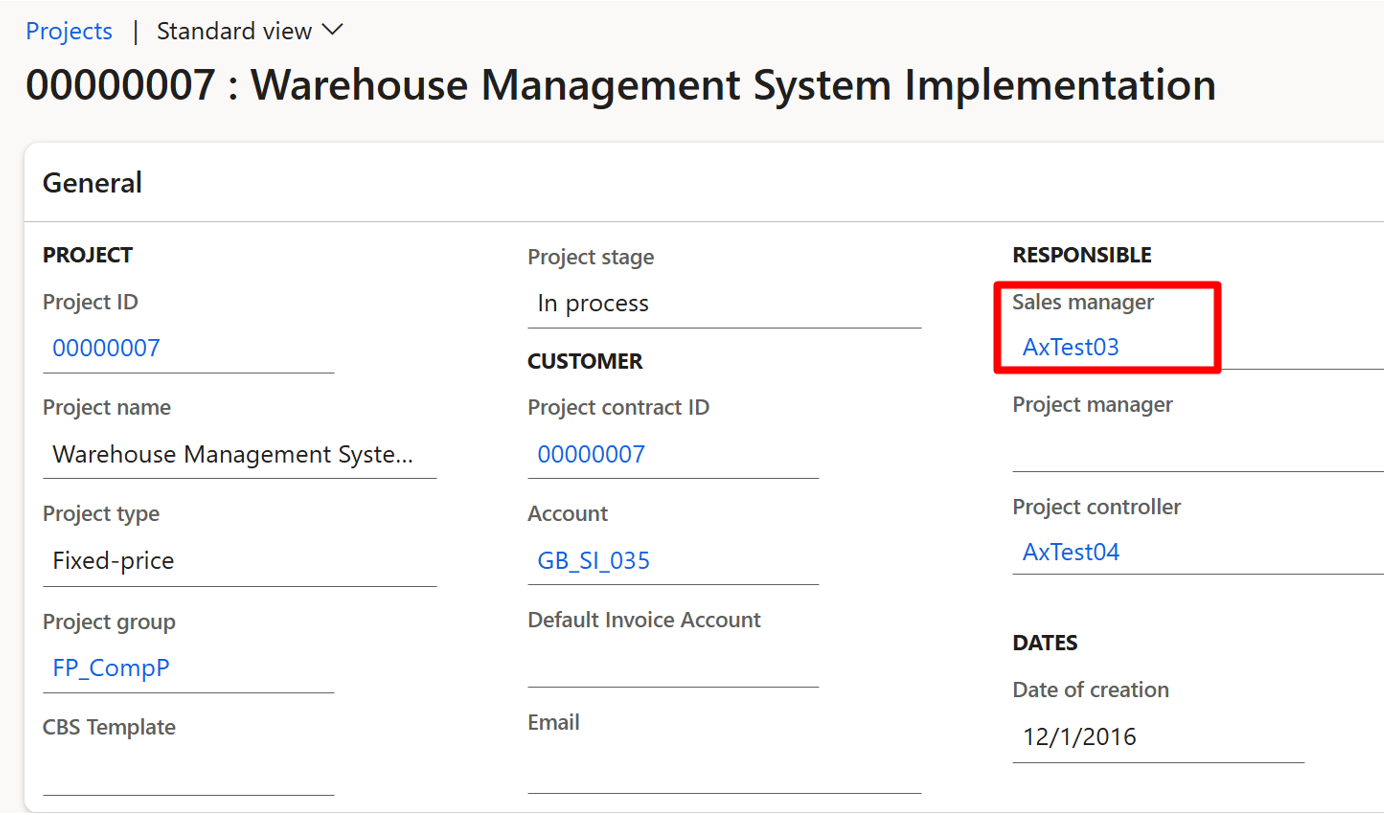
-
Suggest approvers gives approvers that corresponds to the target entity.
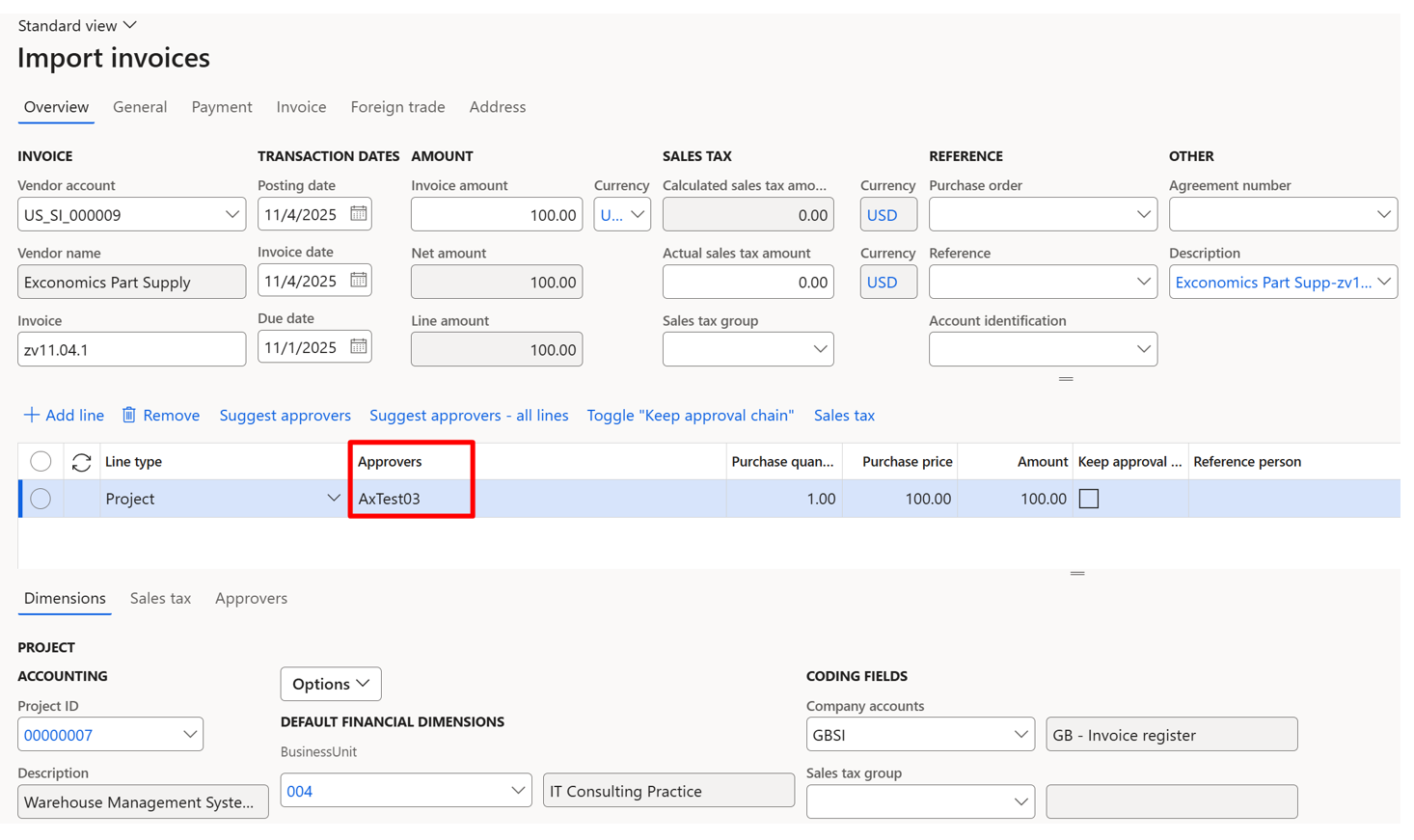
-
If line is non-IC, it returns blank since no IC data exists.
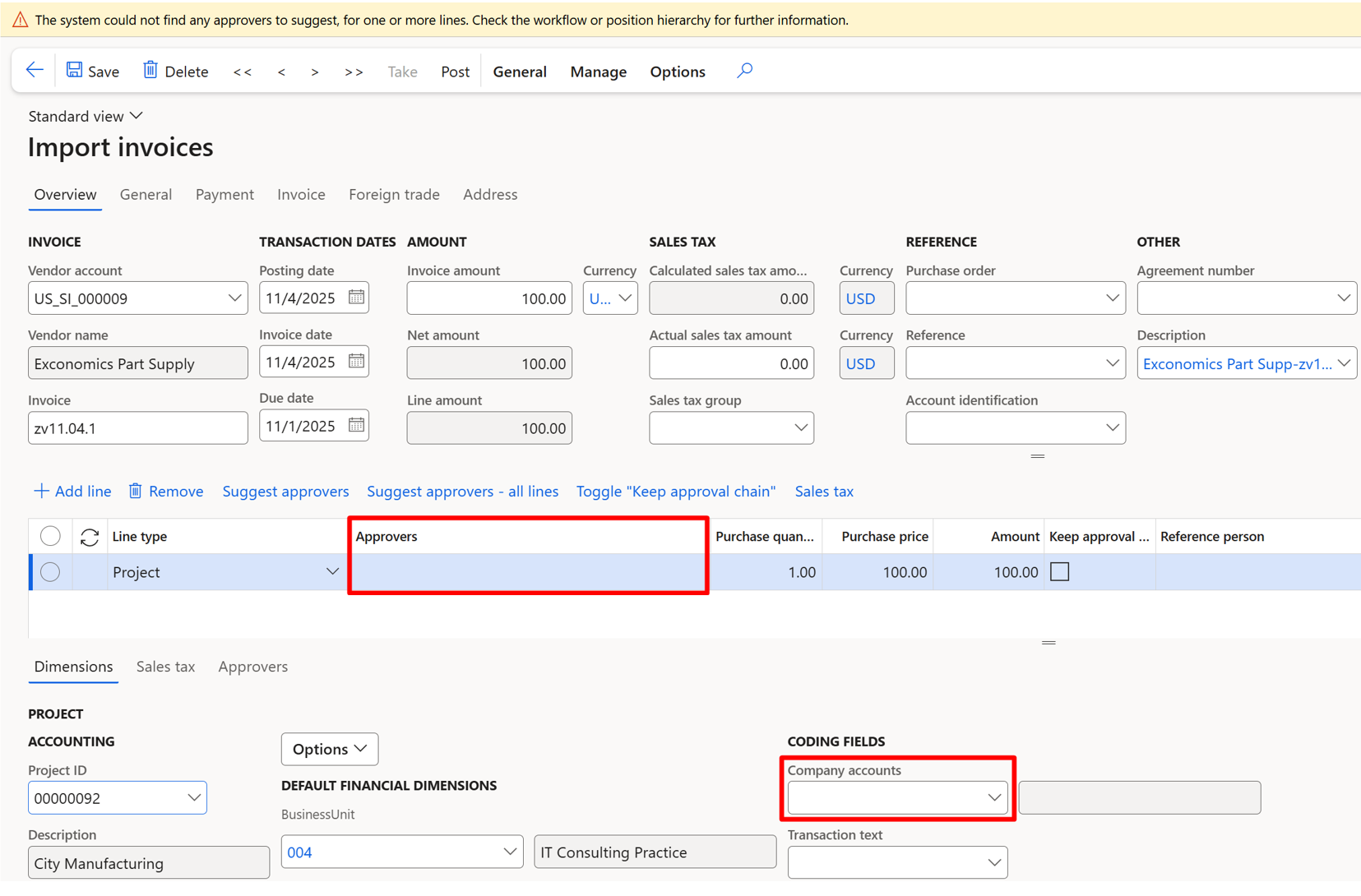
ExFlow Validation Exception type workflow
Criteria method called ExFlow user.Intercompany approver is added.
This method will check if the user in the invoice company is only an Intercompany approver.
It will check the value of the new field in the user table “Inter-Company approver” and return true if the value is true and false if the value is false.
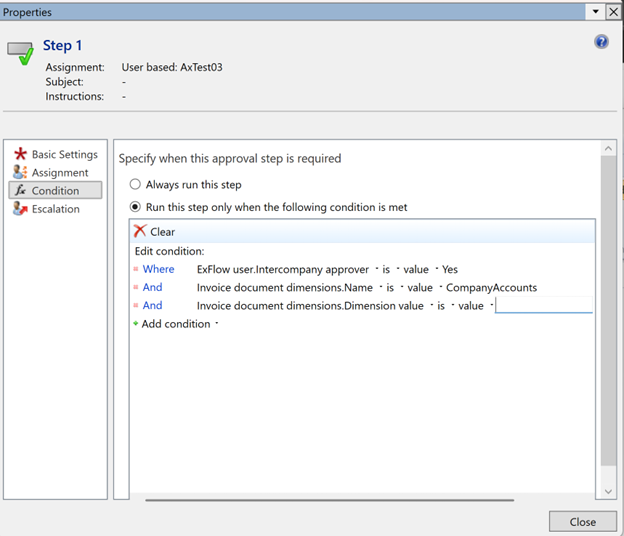
All users in the target company need to be ExFlow users in the source company to be able to approve invoices, it’s enough if they have the new value “IC approver” set and are not full approvers.
Example process.
When validation exception workflow is enabled with following condition:
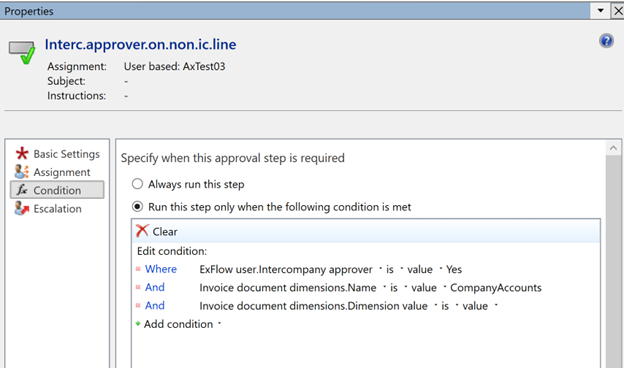
Invoice meeting the condition will get validation error when validating/approving in My vendor invoices or in the Web application: