AI/ML subscriptions
Parameters settings and initiation
There are now two separate AI/ML subscriptions, AI/ML Service and AI/ML Capture. From the ML API communication page, parameters are initiated for AI/ML Service and Capture separately. The first time initiating any of the services, the environment will add system parameters that will be used by all service calls to an internal subscription API.
Onboarding of AI services
Steps to onboard a service
- Navigate to ML API communication page.
- Press initiate for either Capture or Service.
- URL and ClientId should be automatically populated.
- Navigate to ExFlow Core -> Common -> Subscriptions.
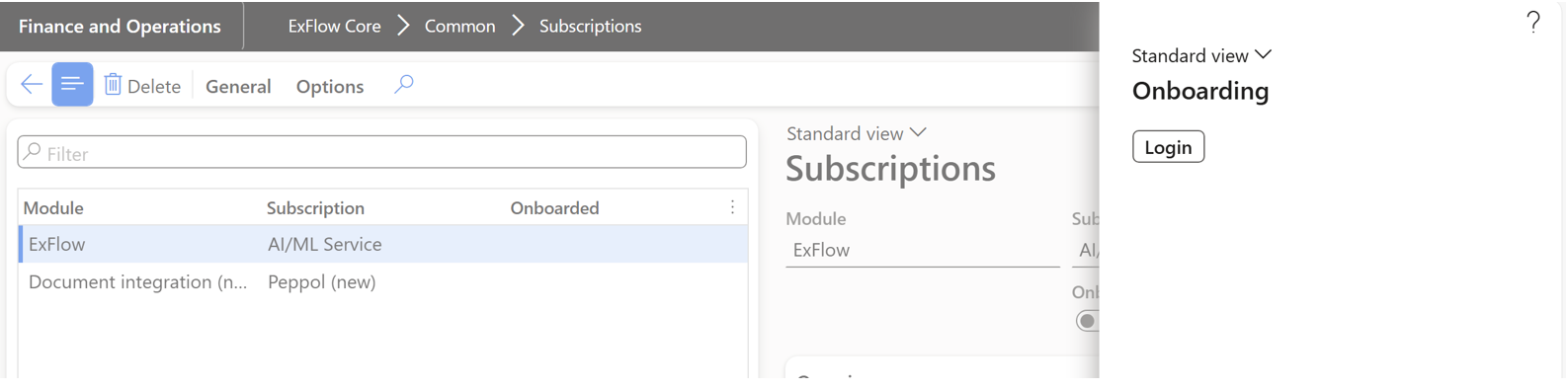
- Press the initiated subscription -> Onboarding.
- In the opened dialog, start by pressing ‘Login’.
-
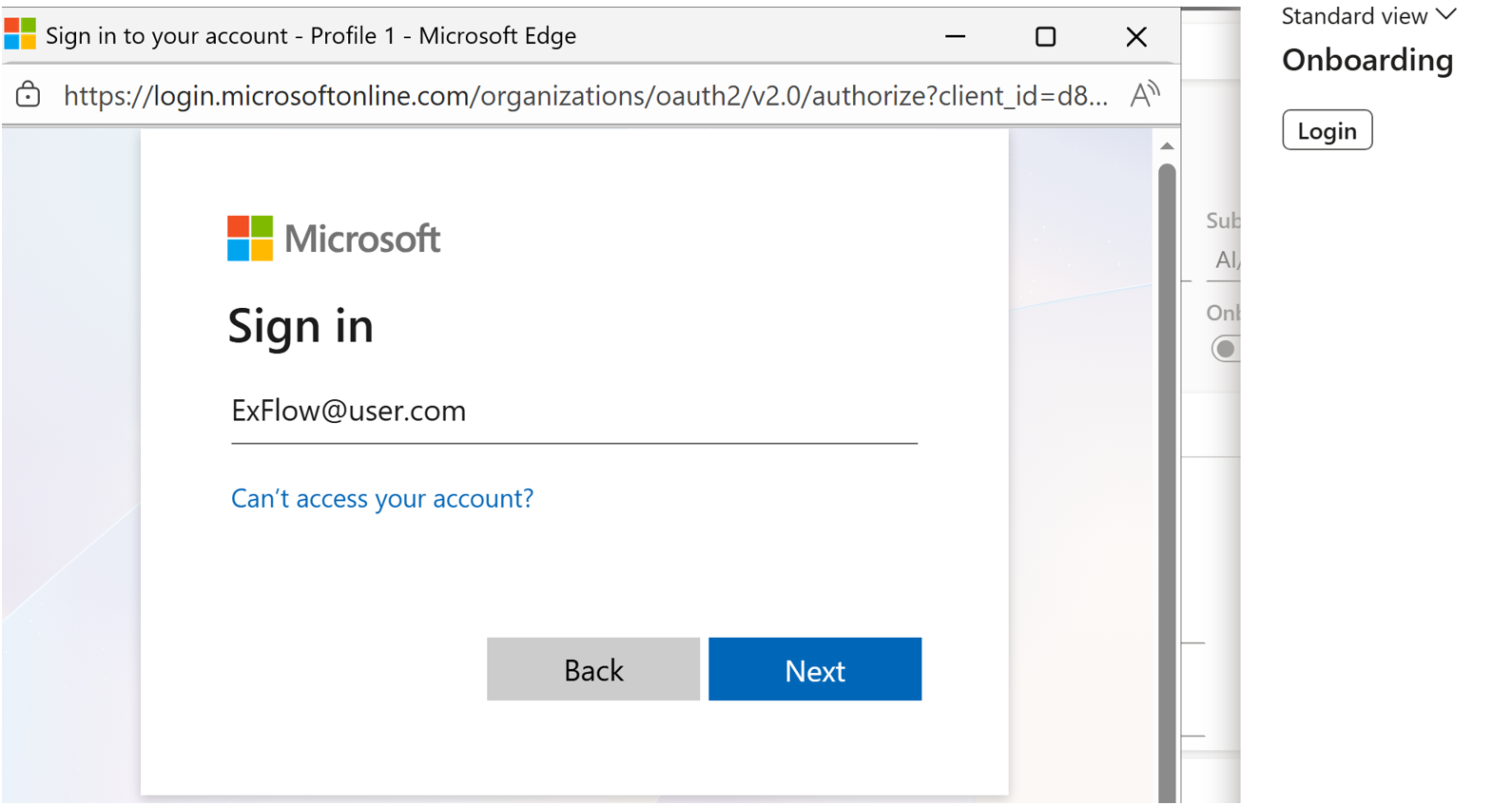
This will prompt you to login as a user, and receive tokens that will be the reference for a subscription once onboarded.
-
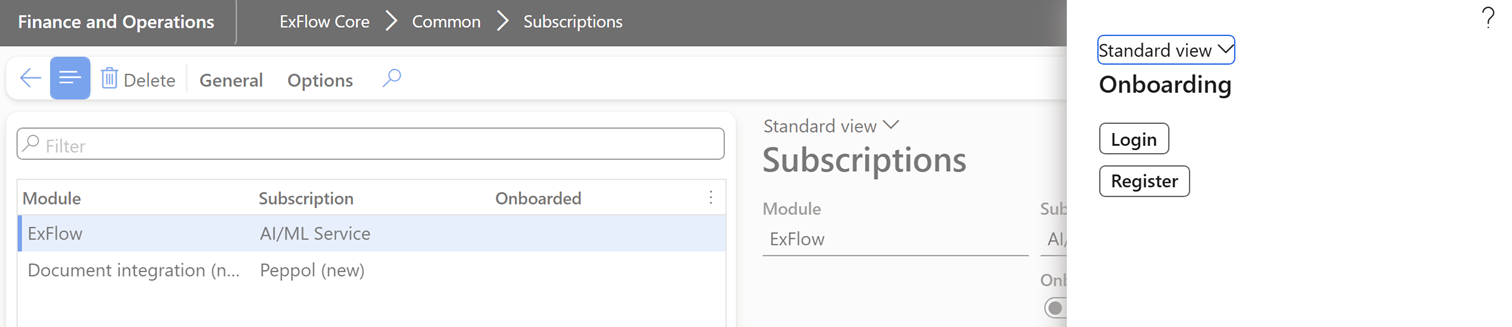
The first time a service is being added from the environment, register the FO instance with the ExFlow coreAPI.
-
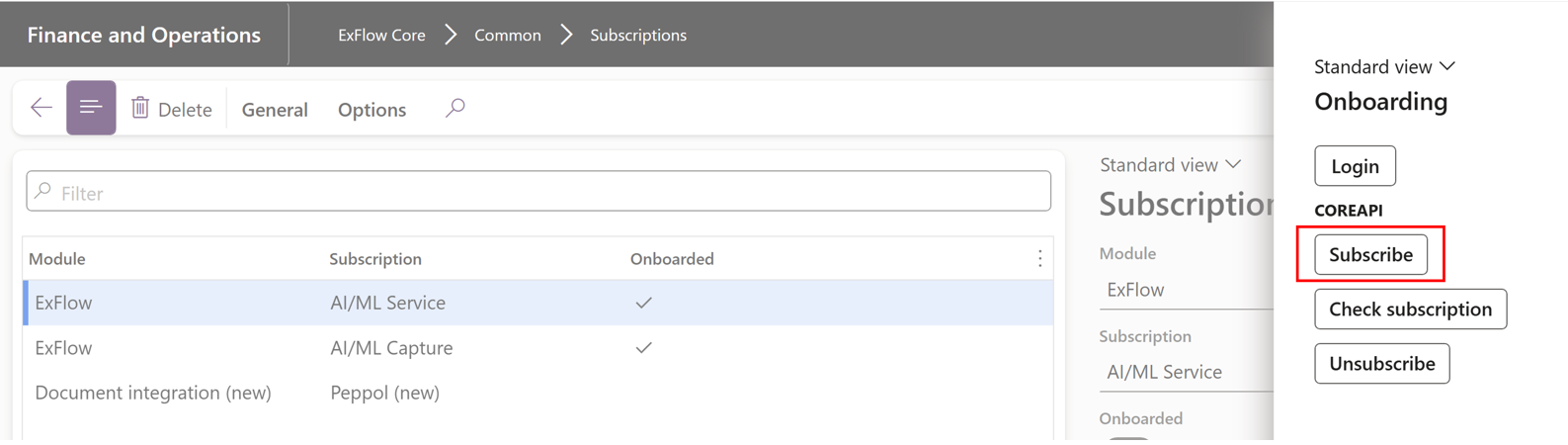
Subscribe to service.
-
A service will be accepted by a Truvio representative.
-
Use check subscription to confirm that a service has been accepted and activated.
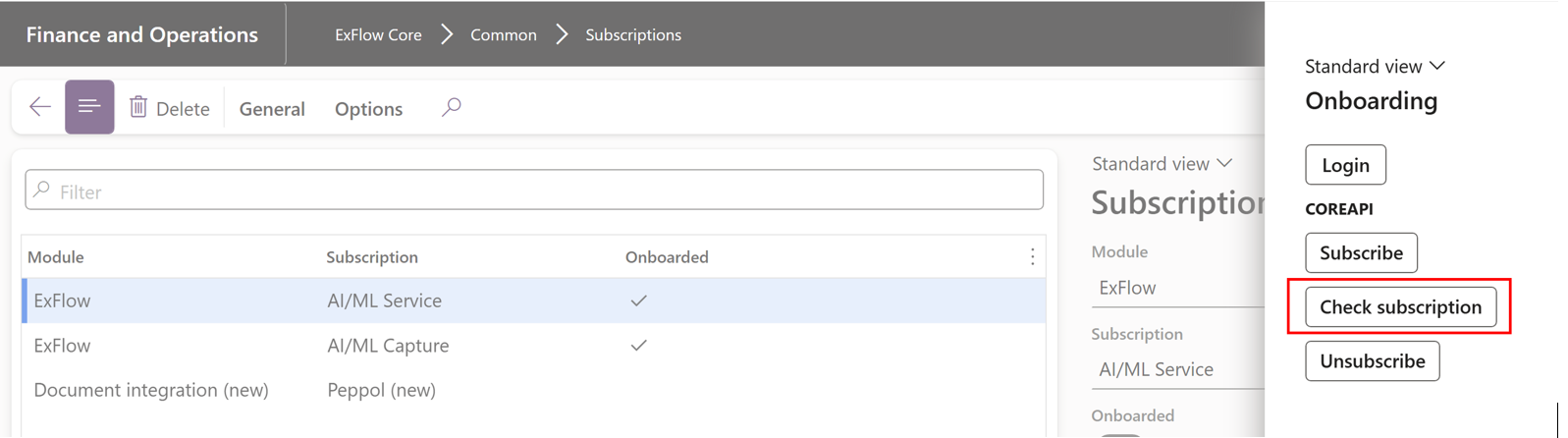
-
Use Unsubscribe to cancel a service that is no longer in use.
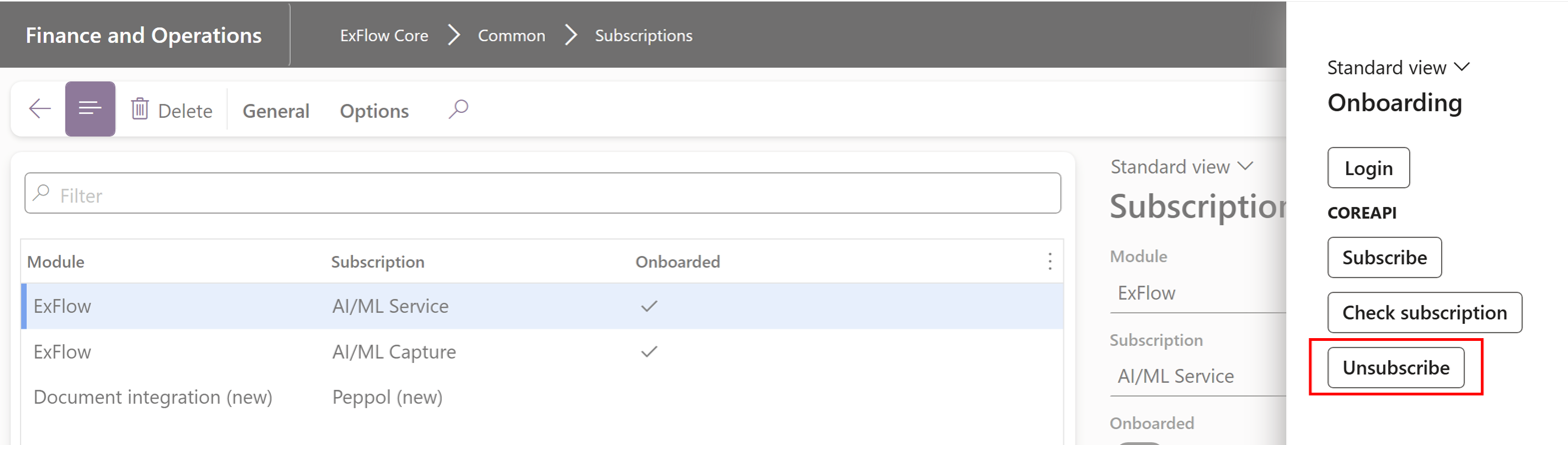
Switch provider
The new onboarding process is currently under development and as of 2.18, it is possible to switch between the old and new process, with the old as the default one. The active provider is selected from ML API communication page.
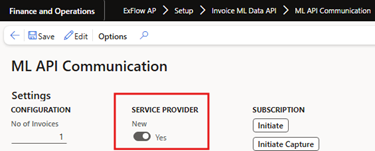
A prerequisite to switch provider is that no AI/ML Service or AI/ML Capture subscription exist in ExFlow Core -> Subscriptions. Due to recurrent upgrades to the new provider, it is suggested to contact a Truvio representative before switching if you are part of the early adopter program.